Measuring corporate fitness yourself: the numbers no provider gives you
Your provider reports sign-ups. What it does not report is how many of those people actually use the offer — and whether anything is moving on absence rates. You can gather both numbers yourself, from data your company already owns.
Why don't the provider's numbers answer the question?
A network membership is billed per head, usually for the entire workforce. What the provider reports back are registrations and visits on its own platform: aggregated, with no breakdown by department and no connection whatsoever to your HR metrics. For the one question that actually comes up in the budget meeting — is this doing anything? — that is not enough. This is not stonewalling: the provider does not have your HR data at all.
Which usage figure can you get yourself?
In its yes branch, the daily check-in asks what someone moved with — offering "company fitness/network" as one of the answers. That yields a usage rate based on self-reporting: mentions divided by all check-ins that week. It is not accurate to the invoice, and that caveat belongs alongside it every time. Over time and compared across departments it is still meaningful — and it is the only usage figure you can get at all without the provider.
What does an actual user cost?
Internally, almost everyone divides the monthly budget by the workforce. That is the wrong calculation: you pay for everyone, a few people use it. Divide by the active users from the first metric instead. The result is regularly several times higher — and that number is exactly why activation usually pays off more than switching providers.
Which two numbers do you already have?
Absence rate (days lost divided by scheduled days) and turnover rate (departures divided by average headcount) are in your HR statistics. Read them per department — and against the same month last year, not against last month. Absence is seasonal; comparing a February with a June measures winter.
Which leading indicator is on this list?
The strain curve from the check-in — mood, stress, sleep and complaints as a rolling index — turns weeks before absence rates show it. That is its entire value: it is the only number here you can still react to. In hindsight, absence rate is just bookkeeping.
Why is every ROI guesswork without your own cost per day lost?
Gross pay per working day plus your own mark-up for the knock-on cost of the absence: overtime, cover, postponed appointments. Working this rate out once for your company takes an afternoon and replaces any borrowed industry figure. Without it, a day of absence avoided cannot be expressed in money — and without a euro amount there is no budget conversation.
What should you explicitly NOT claim?
None of these numbers proves a cause. If usage rises and absence falls, that is a correlation, not proof: over the same period the order book, the age structure, the flu season and the weather all change. Say so yourself in the presentation. It costs nothing and pre-empts precisely the question that otherwise pulls such proposals apart.
How do you start?
Switch the check-in on and include the usage question; pull absence and turnover for the past twelve months from your HR statistics; work out the cost per day lost once. After three months you have a first picture, after twelve a basis for comparison. The most sensible starting point is around eight weeks before your annual HR planning — that way the numbers are on the table when the renewal is decided. How to measure impact beyond participation is shown in the guide Measuring WHP impact.
How do you put the measure in place?
- 1Review the contract documents: what is included, who may take part, how do people sign up?
- 2Reduce the sign-up route to one step (one link, one QR code on the notice)
- 3Check locations and times: does the offer fit shift and rotating work?
- 4Announce it through the channels that reach everyone – including people without a company e-mail
- 5Observe usage via the daily check-in: the question about the source of movement
- 6After six weeks, read the comparison by area and adjust
Plan, invite, measure participation: EasyWHP, which offers WHPCompass free of charge, sets this measure up as a project, invites the workforce and shows how many people take part. How a measure runs in EasyWHP →
What do you need for it?
- Effort
- under 30 min
- Duration
- 6 weeks
- Setup
- 30 min
- ✓ No new budget: uses the existing contract
- ✓ Makes visible the activation rate the provider does not supply
- ✓ Shows by area and shift where the offer does not reach people
- ✓ Provides the basis for cost per actual user
Tax and health insurance: what is possible
Employer health benefits can be tax-free under § 3 no. 34 of the German Income Tax Act (EStG) up to €600 per employee per year — if they are provided in addition to the salary already owed and are either certified (§ 20 SGB V) or implemented within the company's health promotion process. Gym memberships and corporate fitness are not covered. For ZPP-certified courses (e.g. from Upfit), German statutory health insurers can reimburse all or part of the course fee to their insured members — then only the amount exceeding that reimbursement is tax-free. Projects within the company can be funded under § 20b SGB V, with no entitlement. Only your tax adviser can confirm the tax exemption.
Health insurance and tax: how to proceed →How it works in EasyWHP
This Best Practice in EasyWHP: adopt it, adapt it, measure the effect
Once adopted, the measure is ready in EasyWHP — with instructions, an invitation and surveys before and after. You adapt what fits your company and see at the end what it achieved.
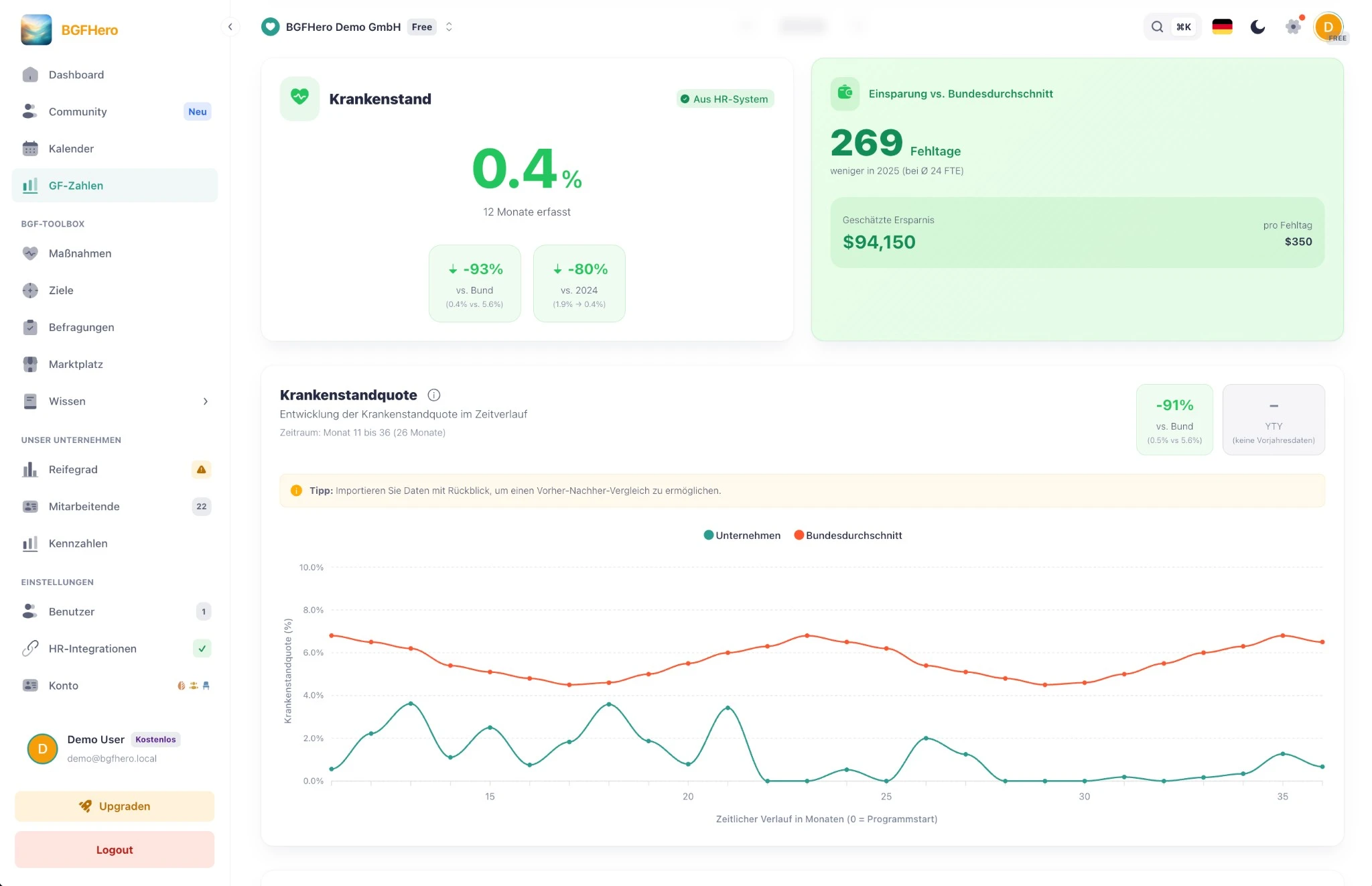
Screenshots with demo data, no real people.
Adopt it for your company
Register for free — and the measure is ready to go in your cockpit: invitation, feedback survey and appointment are already set up. First cycle, first numbers for the boss.
Try EasyWHP for freeRather take a look first? To the live demo →
Contributes to
Measure the impact with
Action field
Physical Activity →A fitting occasion
Related Best Practices
Not sure where to start? Self-check in approx. 7 minutes →